
Articles
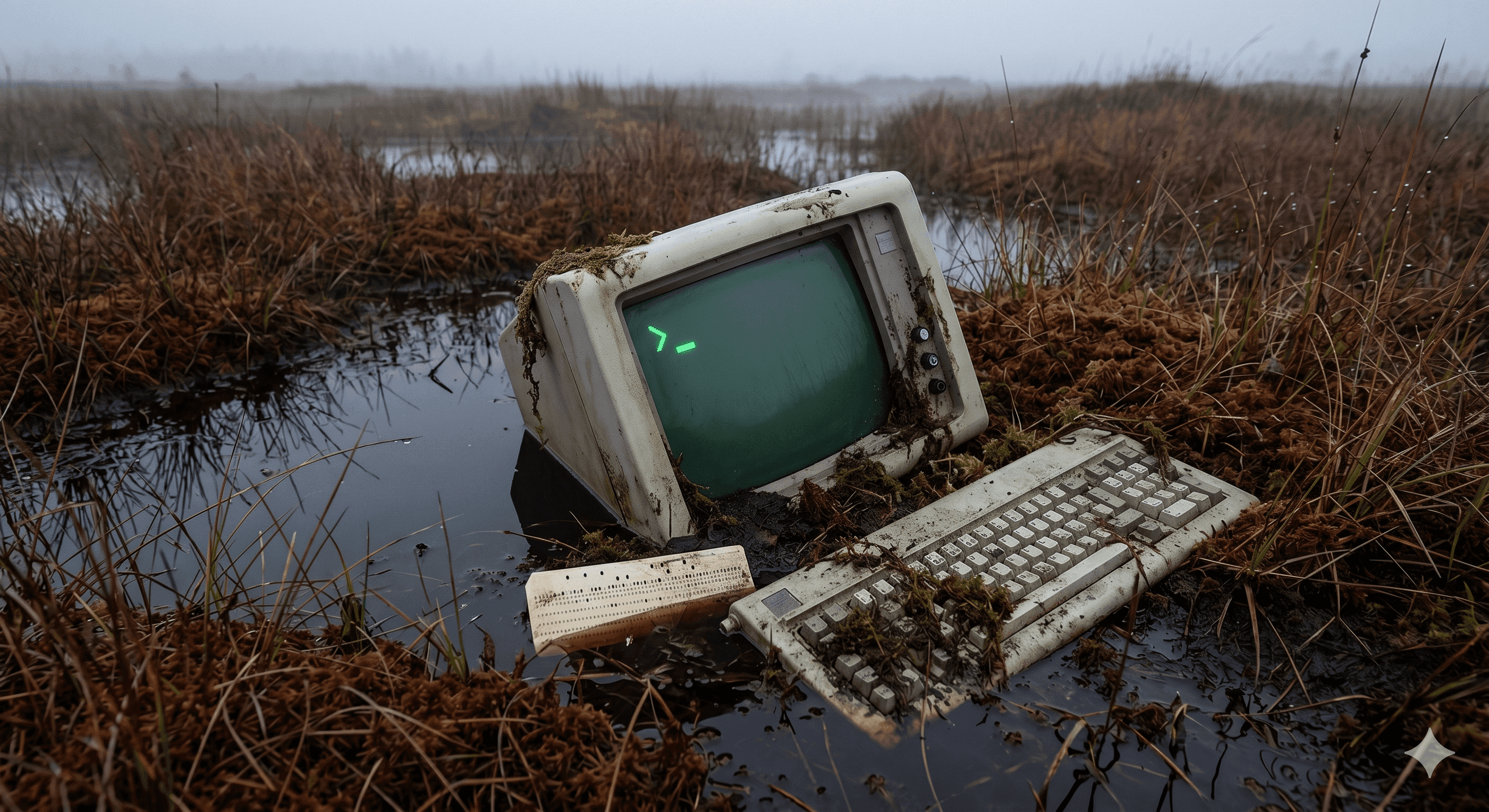
The Monster in the Basement

By Claus Villumsen
29 April, 2026
Share this article
How we refactored a 1998 leasing platform piece by piece, and why not knowing what we were getting into was the only reason we said yes.
The call came from Norway.
A vehicle leasing company needed help. Their entire operation, hundreds of fleet contracts, monthly invoicing runs, vehicle lifecycles, customer relationships, was running on something nobody wanted to talk about too loudly. A Microsoft Access database with VBA forms, built in 1998. Still processing real money. Still running every day. Wrapped in a Citrix layer that had grown around it over the years like a dragon coiled around something it refused to release.
The monster was in the basement. The dragon wasn't going anywhere without a fight.
Why do teams fail at legacy modernization projects?
Teams fail because they attempt complete system rewrites instead of incremental migrations. The big-bang rewrite approach underestimates embedded business logic, ignores decades of institutional knowledge, and creates long periods where nothing functions while everything is simultaneously rebuilt. Module-by-module replacement succeeds where full rewrites fail.
The company was part of a large Italian financial group. So when we got into a room to talk about what to do, it wasn't a small room. It was me and twenty-five Italian infrastructure experts from the parent company, serious people, experienced people, people who had migrated large systems before and had strong opinions about how this one should go.
The plan was clean. Simple, even. Make an image of the whole thing. Lift it into the cloud. Done.
I sat there listening and something in my gut said: that will not work.
I didn't have the numbers yet. I hadn't fully analyzed the system. But something about the way legacy systems like this one accumulate, years of patches, workarounds, business logic that exists nowhere except inside the code, told me you cannot pick this thing up whole. It will fall apart in your hands.
So I said it. Out loud. In a room full of people who had been doing this longer than me.
"It won't work. You have to dismantle it bit by bit, piece by piece. Or you will fail."
Twenty-five people looked at me.
"Can you do it?"
I said yes. Of course I said yes.
I had absolutely no idea how.
What is the tape and glue phase in legacy system migration?
The tape and glue phase is the temporary integration period where legacy and new systems run simultaneously using middleware or API connectors. This approach maintains business continuity during migration, allows gradual module replacement, and validates new components before decommissioning proven legacy code.
My gut feeling was right. My DevOps team backed me up. That was all I had going in, a conviction and a team that trusted it.
Two months after that meeting, what had lived in a Norwegian company's basement, we have a word for it in Danish, mosefund, a bog find, something ancient and perfectly preserved that shouldn't still exist but somehow does, was in the cloud.
It worked. Barely. Tape and glue. But it worked.
And standing there looking at this ancient thing now running in Azure, I had a thought I should have taken more seriously.
Now we have to actually understand what's inside it.
How much code is in a typical legacy system?
Legacy enterprise systems commonly contain 500,000 to over 1 million lines of code accumulated over decades. This code sediment includes business rules, edge-case handling, undocumented fixes, and institutional knowledge that cannot be replicated from requirements documents alone, making complete rewrites extremely risky.
We hired what the industry calls AI developers. Smart people. People who could quote context windows from memory, who had opinions about embedding models, who believed AI could solve anything if you wrote the right prompt.
They were wrong. And it took us an embarrassingly long time to admit it.
The codebase they were trying to reason about was 750,000 lines of VBA. Not clean VBA. VBA from 1998, layers of decisions made by a dozen different programmers across a decade. Naming conventions that shift mid-file. Comments in three languages, two of them inconsistent. Dead code that nobody removed because nobody was certain it was actually dead. Framework artifacts, library imports, deprecated method calls. The whole thing packed together like geological strata.
The naive approach was context stuffing, load the whole codebase into the model's context window and ask it to understand. Here is what nobody tells you: even a 200,000-token context window is not 200,000 tokens of useful context. There's a phenomenon called context rot, the model's attention degrades the further into a sequence you go. Important logic buried in the middle of a 50,000-line file is practically invisible. The model sees the beginning. It sees the end. The middle is where your business logic lives.
We ran the experiments. Every approach failed or underdelivered. We were throwing a complex system at a model and expecting a solution to come out the other side. That is not engineering. That is a wish.
How do you analyze legacy code before modernization?
Code washing involves systematically documenting system architecture, mapping dependencies between modules, cataloging embedded business rules, and measuring complexity. This analysis reveals what the system actually does versus assumptions, identifies independent modules for migration, and creates the foundation for incremental replacement.
Two engineers on our team, Max and Ezekiel, who share the trait of simply refusing to accept that something cannot be done, went back to basics. Not AI basics. Engineering basics.
Before any model saw a single line of this codebase, the code had to be washed. Stripped of everything that was not logic. Framework artifacts removed. Library noise stripped. Dead code isolated. Naming conventions normalized. The distinction between what the code says and what it means, painstakingly resolved by humans, line by line.
This took months. Real, deep, careful engineering work. Not prompt writing. Reading code, understanding it, and making decisions about what it actually meant versus what it literally said.
Then, and only then, they divided what remained into categories. Not chunks. Categories.
Business logic. Data transformations. Known features. Undocumented features. Infrastructure concerns. Each category went to a separate agent with a narrow job and a constrained output format. Not asked to understand everything. Asked to understand one thing well.
You build tools that do less, so the model you point at them can do more.
This is the principle that made the whole project possible. And it is, when you strip away the AI layer, just good software architecture. Separation of concerns. Single responsibility. Narrow interfaces. The principles that make code maintainable for humans make it processable by models.
What is the most important lesson in legacy modernization?
Never attempt a complete system rewrite. Decades of business logic, bug fixes, and edge-case handling embedded in legacy code cannot be recreated from scratch. Incremental module-by-module replacement preserves working functionality while reducing risk and maintaining continuous business operation throughout migration.
There's another thing I will tell every CTO I meet for the rest of my career.
Do not change the business logic at the same time as you're refactoring.
Do not do it. We did. We thought, well, we're already in here, the code is open, we understand it now, we might as well modernize these rules while we're cleaning up the structure. It's more efficient. We know better now than the people who wrote this in 1998.
We did not know better. We just thought we did.
When you change what the code does at the same time as you change how it looks, you lose the thread. A bug surfaces. Is it from the refactor? Is it from the new business logic? You don't know. You can't compare the old behavior to the new behavior because you changed both simultaneously. The safety net, the ability to say "this behaves identically to what came before," is gone.
Refactor first. Exactly as it is, quirks and all. Make it clean, make it modern, make it readable. But make it identical in behavior. Then, once you can see what you have, change what it does.
We did it the other way. It cost us.
How do you modernize legacy systems one module at a time?
Identify independent modules with clear boundaries, replace one module with modern equivalent code, validate thoroughly against legacy behavior, maintain parallel operation until confident, then proceed to next module. This incremental approach reduces risk, preserves business continuity, and allows learning from each migration cycle.
The strategy that actually worked was the one I'd argued for in that meeting room. One piece at a time. Extract a module. Sync the data back to the old system so it still functions. Keep the monster alive while you're removing its organs.
175 tables in the MSSQL database. Customers. Users. Vehicles. Services. Deals. Invoices.
One by one. Each module extracted, rebuilt, validated. The old Access database still running alongside the new system, receiving updates, staying consistent, while we slowly moved everything out of it.
The system that had been a black box for two decades, that the people who built it had, in some cases, taken to their graves, was now documented. Understood. Owned.
What should you know before starting legacy modernization?
Understand that legacy code contains irreplaceable institutional knowledge and decades of edge-case fixes. Complete rewrites always fail. Success requires incremental module replacement, parallel operation during transition, systematic code analysis first, and realistic timelines that account for discovering unknown business rules embedded in old code.
I said yes in that room with twenty-five Italian engineers because my gut told me the alternative would fail. I was right about that.
What I didn't know, what I couldn't have known without being inside it, was the specific texture of what we were dealing with. The particular way that 25 years of Norwegian leasing business logic had crystallized into VBA macros. The places where the system was fragile in ways that weren't visible from the outside.
If I had known all of that going in, I might have said something much more cautious in that meeting.
Which is perhaps exactly why it worked that I didn't.
The jobs worth doing are usually the ones where you understand enough to know the approach is right, but not enough to be paralyzed by what you'll find when you start. Confidence in the method. Ignorance of the details. And a team that will follow you into the basement.
The monster is gone. What replaced it is a modern microservice platform on Azure, documented, tested, owned by a team that understands it. The Citrix dragon eventually let go.
But I still think about that room sometimes. And how close I came to saying something much more cautious.
What should you do when facing a legacy modernization project?
Start with comprehensive code analysis to understand what exists. Reject complete rewrite proposals. Create a module-by-module migration plan. Implement tape-and-glue integration for parallel operation. Replace one module at a time with thorough validation. Maintain business continuity throughout. Document everything you discover about embedded logic.
Every CTO I know has a version of this story. A system that has been running since before smartphones. Business logic that exists nowhere except in the code. A team that is terrified to touch it.
The standard advice is to plan exhaustively before you start. Map everything. Understand everything. Then move.
My experience is different. Map what you can. Understand enough to choose the right approach. Then move carefully, one piece at a time, and let the system teach you the rest.
The monster in your basement is probably survivable. Just don't try to lift it all at once. And for the love of everything, don't change the business logic while you're refactoring it.
Frequently Asked Questions
What is legacy system modernization?
Legacy system modernization is the process of updating outdated software applications - like Access databases or old VBA systems - to modern technology platforms while preserving business logic and data integrity. It replaces aging code that has accumulated over decades with maintainable, scalable solutions.
How long does it take to modernize a legacy Access database?
Modernizing a legacy Access database typically takes 6-18 months depending on code volume and complexity. A 750,000-line system requires systematic module-by-module migration rather than full rewrites, with phases including code analysis, cleaning, incremental replacement, and parallel testing throughout the transition period.
Why do legacy modernization projects fail?
Legacy modernization projects fail primarily when teams attempt complete system rewrites instead of incremental migrations. The big-bang approach underestimates the embedded business logic in old code, ignores institutional knowledge gaps, and creates extended periods where nothing works while everything is being rebuilt simultaneously.
What is the tape and glue phase in software modernization?
The tape and glue phase is the temporary integration period where legacy systems and new components operate simultaneously using middleware, APIs, or adapter layers. This approach maintains business continuity while gradually replacing old modules, allowing validation of new code before decommissioning proven legacy functionality.
Should you rewrite or refactor legacy code?
Refactor legacy code incrementally rather than rewriting completely. Module-by-module replacement preserves working business logic, reduces risk, maintains continuous operation, and allows iterative learning. Complete rewrites fail because they discard decades of accumulated fixes and edge-case handling embedded in legacy systems.
How do you analyze legacy code before modernization?
Analyze legacy code by documenting the existing system architecture, identifying dependencies between modules, cataloging business rules embedded in the code, and measuring code complexity and volume. This washing phase reveals what the system actually does versus what stakeholders think it does.
What are the risks of maintaining legacy Access databases?
Legacy Access databases create vendor lock-in, limit scalability, lack modern security features, and depend on obsolete technology stacks. As systems age, finding developers with VBA expertise becomes harder, institutional knowledge disappears, and the cost of maintenance escalates while business agility decreases.
What is the best approach to legacy system migration?
The best legacy migration approach is incremental module replacement: analyze the entire system first, clean and document existing code, identify independent modules, replace one module at a time with modern equivalents, validate thoroughly, then proceed to the next module while maintaining full system operation throughout.
We wrote in detail about the specific AI engineering challenge behind this project, getting 750,000 lines of VBA into a model, the context rot problem, the code washing approach, and the five-agent architecture.
Read the technical deep-dive →Related articles
AI
Gartner published a clear message in 2025. Legacy applications cannot support AI capabilities without transformation. Here is what that actually means and how you close the gap without a big-bang rewrite.

Legacy Modernization
AI
Work
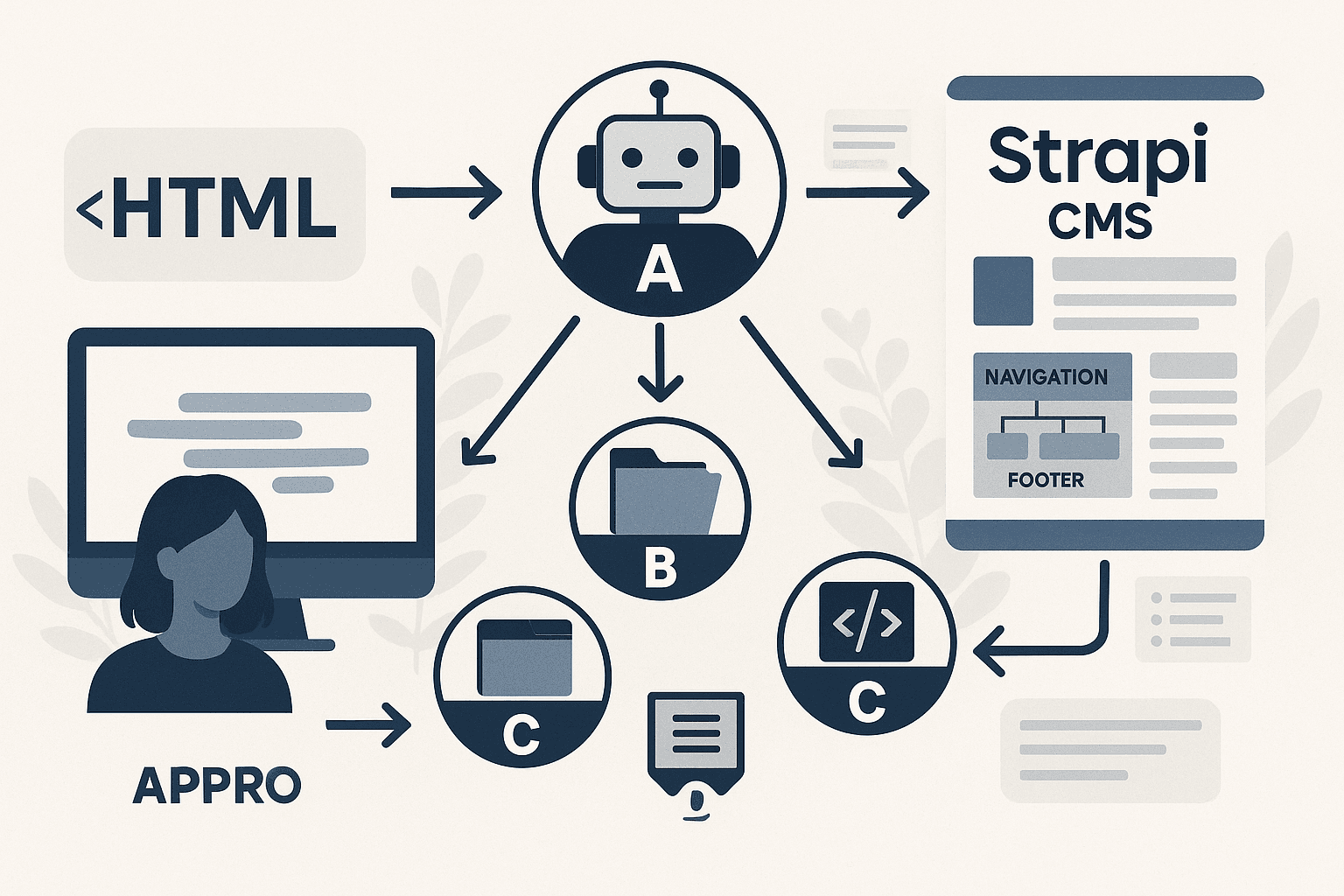
We had a mountain of legacy HTML that needed to become structured Strapi CMS content. Manual conversion would have taken months. We built four AI agents to do it instead. Here is how they work.
AI + Human
AI + Human software Solution
© 2026 Kodebaze. All Rights Reserved.
© 2026 Kodebaze. All Rights Reserved.