
Articles
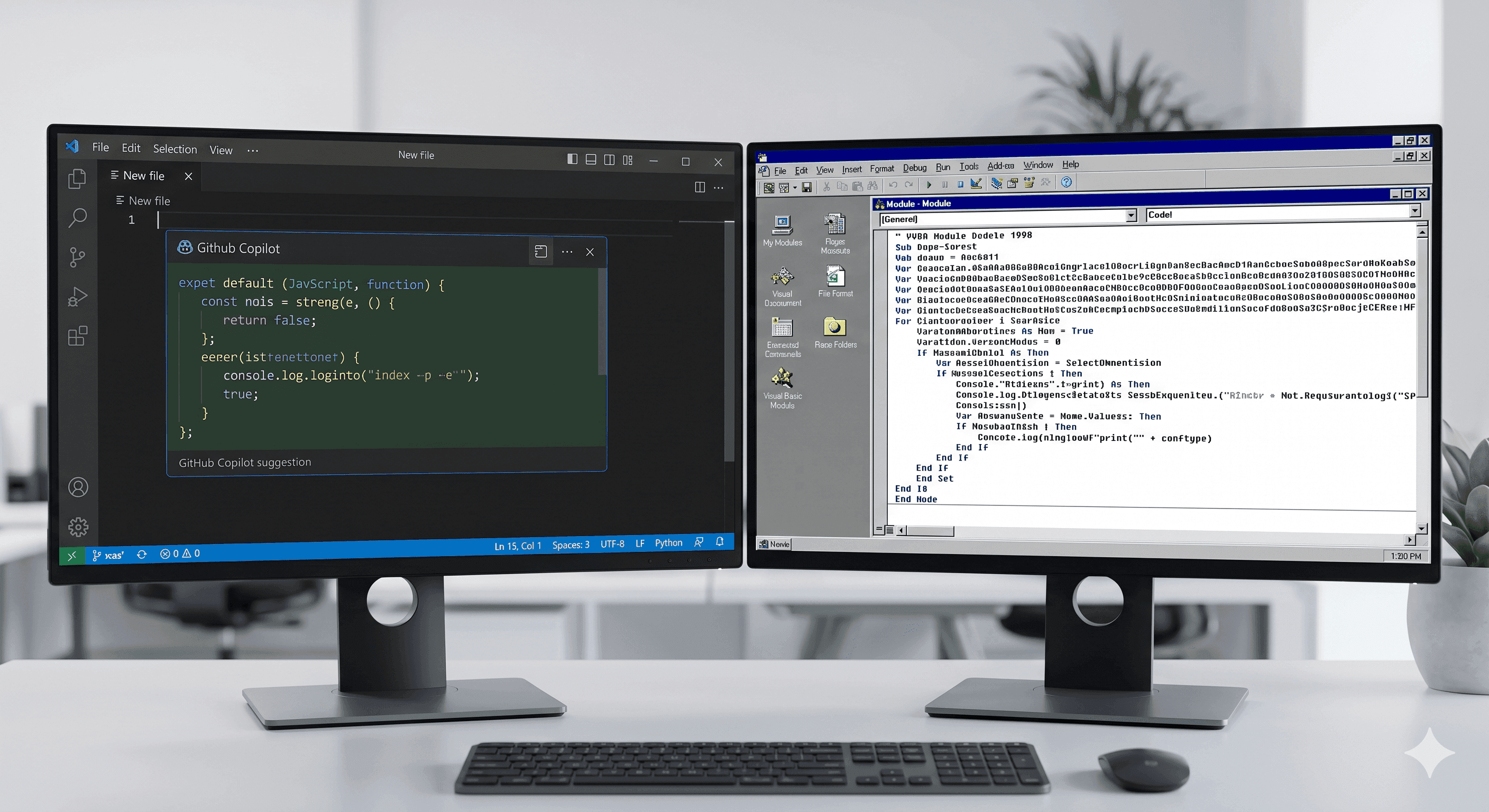
We Use GitHub Copilot Every Day. Here's Why We Don't Use It to Modernize Legacy Code.

By Claus Villumsen
30 April, 2026
Share this article
What happens when you point the world's most popular AI coding tool at a 750,000-line VBA codebase from 1998.
Every developer on our team has GitHub Copilot open. It sits in VS Code like a second brain. It finishes sentences. It generates boilerplate. It turns a tedious afternoon of writing unit tests into a productive morning. We like it. We use it. We recommend it.
We do not use it to modernize legacy code. And we learned that lesson the hard way.
Why do developers assume GitHub Copilot can modernize legacy code?
Developers assume Copilot can modernize legacy code because it performs well on daily coding tasks. This creates false confidence that pattern-matching AI can handle complex legacy system conversion, but translation of decades-old business logic requires deep contextual understanding that general coding assistants lack.
When people hear that Kodebaze uses AI to modernize legacy systems, they assume we mean Copilot. Or something like Copilot. A smart assistant you point at old code and it tells you what to do with it.
The assumption makes sense. Copilot is everywhere. It is the default answer when someone asks "how do you use AI for software development." It has 15 million users. It lives inside the tool every developer already has open.
So when we started working on a 750,000-line Microsoft Access VBA codebase, our developers opened Copilot and asked it to help.
It was confident. It was fast. It was wrong in ways that were very hard to spot.
What is GitHub Copilot actually doing when it generates code?
Copilot uses statistical pattern matching from millions of training examples to generate syntactically plausible code. It predicts what code should look like based on common patterns, but does not understand business logic, system context, or the specific requirements embedded in legacy codebases over decades of development.
To understand why it struggled, you need to understand what Copilot actually does. It looks at the code near your cursor. It looks at the files you have open. It makes a probabilistic determination about what should come next. It is, at its core, a very sophisticated autocomplete.
That is a brilliant thing for what it was designed for. Writing new code. Completing patterns. Generating tests for a function you just wrote. Explaining a piece of code you are looking at right now.
It is not designed to understand a system. It is designed to understand a file.
A 750,000-line legacy codebase is not a file. It is a system. And the difference matters enormously.
Consider what Copilot actually sees when you open a 5,000-line VBA module from 1998. It sees the lines near your cursor. It sees whatever other files you have open. It does not see the 174 other database tables that module touches. It does not see the business rules encoded in the stored procedures. It does not see the three other modules that call this one in ways that were never documented. It does not see the Norwegian leasing tax logic embedded in a function named CalcX by a developer who left the company in 2003.
It sees enough to generate something plausible. It does not see enough to generate something correct.
What is the difference between plausible and correct code in legacy modernization?
Plausible code appears syntactically correct and follows familiar patterns, making it hard to spot errors. Correct code preserves exact business logic, handles all edge cases, and maintains functional equivalence with the original system. In legacy modernization, plausible-but-wrong code creates dangerous hidden defects in critical business systems.
This is the dangerous gap. Not that Copilot generates obvious garbage — you would catch that. It generates plausible-looking code that is wrong in ways that only become visible when the system runs against real data, in real conditions, weeks later.
We ran a specific experiment on this. We took a module responsible for calculating residual values on vehicle leases, a calculation that has to be exactly right because it drives customer invoices and contract pricing. We asked Copilot to explain what it did and suggest a modernized equivalent.
The explanation was confident and clear. The suggested replacement was structurally reasonable. It passed a quick read. It would have failed in production on any lease involving the Norwegian EV tax exemption threshold, which is a rule that appears nowhere explicitly in the module but is implied by a combination of values that only make sense if you understand the full contract context.
Copilot had no way to know about that rule. It had never seen it. It cannot see what is not in its context window. And a business rule that lives in the interaction between three modules and a database table is, by definition, outside any context window focused on one file.
What is context rot at scale in AI code conversion?
Context rot occurs when AI tools lose track of system-wide logic across large codebases. In a 750,000-line legacy system, Copilot cannot maintain awareness of interdependencies, business rules spanning multiple modules, undocumented behaviors, and architectural patterns that developed over decades, leading to incorrect conversions despite confident output.
There is a technical name for what happens when you try to push a large legacy codebase into a model's context window whole. We call it context rot. The model's attention degrades across long sequences. Important logic buried in the middle of a 50,000-line file becomes practically invisible. The model sees the beginning. It sees the end. The middle is where your business logic lives.
This is not a Copilot failure specifically. It is a fundamental property of how large language models work on long sequences. Copilot has been improving its context window — recent Enterprise versions index entire repositories — but indexing a repository and understanding the behavioral relationships between modules in a 28-year-old legacy system are not the same thing.
An index tells you where things are. It does not tell you what they mean together. What they do to each other. What would break if you changed one of them.
What approach works better than Copilot for legacy code modernization?
Purpose-built modernization tools that perform complete codebase analysis, preserve business logic through semantic understanding, map all dependencies, and verify functional equivalence work better than Copilot. These specialized systems maintain context across entire legacy applications and ensure accurate conversion of critical business logic without pattern-matching guesswork.
We use Copilot for what it is brilliant at. Writing new code, once we understand what the new code needs to do. Generating tests for modules we have already analyzed. Completing boilerplate in the new architecture. Explaining snippets of the old code when a developer needs a quick read on a function.
But the understanding of the legacy system, the real work of modernization, does not happen in Copilot. It happens through a different process entirely.
Before any AI sees the legacy codebase, we wash it. We strip framework artifacts, dead code, library noise, and naming inconsistencies. We normalize what remains. Then we divide it into semantic categories: business logic, data transformations, documented features, undocumented features, infrastructure concerns. Each category goes to a dedicated AI agent with a narrow, constrained job. Not asked to understand everything. Asked to understand one thing well.
The result is a system map. Not a code completion. A documented, verified understanding of what the legacy system actually does, which modules depend on which, and where the undocumented business logic lives. That map is what makes safe modernization possible. Without it, you are guessing. With it, you know.
Copilot then becomes useful again. Once we know what the new system needs to do, Copilot helps build it. It works at its best when the problem is defined. Legacy modernization is, at its core, a problem of understanding first, then building. Copilot is great at building. It is not designed for understanding a system it cannot fully see.
What is the right tool for legacy code modernization projects?
The right tool for legacy modernization is purpose-built software designed specifically for converting legacy languages while preserving business logic. These tools provide comprehensive analysis, dependency mapping, semantic translation, and verification capabilities that general AI coding assistants cannot offer for mission-critical system conversions requiring guaranteed accuracy.
None of this is a criticism of GitHub Copilot. It is the best code completion tool available and our developers genuinely love using it. The mistake is not using Copilot. The mistake is assuming that a code completion tool is also a system comprehension tool. Those are different problems that require different approaches.
If your codebase is new, well-documented, and reasonably sized, Copilot will make your developers faster. If your codebase is 28 years old, 750,000 lines, undocumented, and still running live transactions, you need something that understands the system before anyone writes a single line of replacement code.
That is a different kind of AI work. And it is what we built Kodebaze to do.
Frequently Asked Questions
Can GitHub Copilot modernize legacy code?
GitHub Copilot is not suitable for modernizing large legacy codebases. While effective for daily development tasks, it produces plausible but incorrect code when converting legacy systems like VBA because it lacks deep contextual understanding of business logic, dependencies, and system-specific patterns that evolved over decades.
How does GitHub Copilot generate code suggestions?
GitHub Copilot uses pattern matching and statistical prediction based on millions of code examples from its training data. It generates syntactically correct code that looks plausible but does not understand business logic, context, or the specific requirements of legacy systems with complex interdependencies.
What is the difference between plausible code and correct code?
Plausible code looks syntactically correct and follows common patterns but may contain subtle logical errors or miss critical edge cases. Correct code accurately implements the intended business logic, handles all scenarios properly, and maintains the specific behavior of the original system, which is essential in legacy code modernization.
Why does AI struggle with large legacy codebases?
AI tools experience context rot at scale when handling large legacy codebases. They cannot maintain awareness of the full system architecture, business rules embedded across hundreds of thousands of lines, undocumented dependencies, and decades of accumulated logic that drive critical business operations in legacy applications.
What tools work better than Copilot for legacy code modernization?
Purpose-built legacy modernization tools that understand specific source languages, preserve business logic through semantic analysis, and provide verification mechanisms work better than general AI assistants. These specialized tools map entire codebases, maintain context across millions of lines, and ensure functional equivalence during migration.
How should you approach VBA to modern language migration?
VBA migration requires specialized tools designed for legacy modernization, not general AI coding assistants. The process demands complete codebase analysis, business logic preservation, dependency mapping, and systematic verification to ensure the modernized code maintains exact functional equivalence with systems that have operated reliably for decades.
When should developers use GitHub Copilot versus specialized modernization tools?
Use GitHub Copilot for daily development tasks like writing new code, generating boilerplate, and creating standard functions. Use specialized modernization tools for converting legacy systems where business logic preservation, complete context awareness, and verifiable accuracy across large codebases are critical requirements that AI assistants cannot reliably provide.
If you want to understand what is inside your legacy system before you touch it, that is exactly what Kodebaze starts with. Full codebase analysis, dependency mapping, and a prioritized modernization roadmap — in days, not months.
See how it works →Related articles

Work
Productivity
Legacy modernization requires different instincts than greenfield development. These are the eleven habits that separate engineers who succeed at it from those who struggle.


AI

Legacy Modernization
AI
AI + Human
AI + Human software Solution
© 2026 Kodebaze. All Rights Reserved.
© 2026 Kodebaze. All Rights Reserved.